For over three years I’ve been working for a fully remote company – that’s one with no offices – everyone works at home (or wherever else you can perch a laptop). Before that I spent almost 30 years in the most dyed-in-the-wool, traditional office environment that you can imagine. The contrast was extreme but it means that I’ve seen how it works from both sides: managing people in the office and managing home workers.
First of all, let’s get one thing straight – you cannot manage people who are working remotely in the same way that you manage people sat in the office. But – and this is the good bit – techniques for managing remote staff can often also be applied to office staff and will bring benefits to both environments.
So, if COVID-19 has forced you to suddenly start managing your staff remotely, changes now can be continued once the pandemic has subsided and you’re all breathing air-conditioned air once more.
But, office working, well, works?
Does it?
Do you know how much time the average office worker in the US spends actually working during a typical eight-hour day? It’s just under three hours. Stop laughing at the back, UK workers, because for us it’s half an hour less.
The rest of the time is spent having breaks, going to the toilet, getting coffee, chatting to colleagues about Love Island, etc. And, yet, there’s a perception that remote workers are the ones who slack off. Another study found that remote workers were 13% more productive, took fewer days off and were more likely to work their full shift every day.
Yet companies such as Yahoo and IBM have tried home working and abandoned it. Why?
Measure Output
Most of the time, management consists of seeing people are sat in front of their keyboard and doing something vaguely work-like. So, when remote working is introduced and someone is working from home, how do you know what they’re doing? Well, you can’t. And two things then tend to happen:
- Your staff take advantage of this
- You become paranoid. Maybe for good reason, maybe not
Both of these things would be eliminated if you actually knew what your staff were doing, but you’re trying to manage them as if they’re still working in an office. Make sure you understand what they’re doing, how long it will take and follow that up. Have grown-up conversations about expectations and work on all of this together.
There’s also the fact that the immediate communication you can get in an office – walking up to someone and asking them a question – now doesn’t work. They may have gone to the toilet or to fetch a coffee – you ring or message them and they don’t reply, raising your suspicions. So there has to be a change of mindset too.
What’s the solution? Simply put it’s better tracking of what people are doing at a meaningful level. Does it matter if somebody is watching something on Netflix or chatting about the beer-filled evening they just had, if they actually deliver what you need them to?
As the author Scott Berkun says…
Shouldn’t the quality of work be the primary measure of worker performance?
Scott Berkun, The Year Without Pants
And this isn’t something that only works for somebody who’s working from home – it can bring immediate benefits to managing anyone. Even if you don’t want to do remote working, moving to a similar solution will give you a better view of what those who report to you are doing. And in a split working environment, you can use the same methodology for everyone.
Make home working flexible
When you’re at home and there are things around you that need doing, the temptation is to do them. Why not build that in? Make the working day as flexible as possible, rather than putting up artificial barriers that are so often prevalent in working situations.
Again, to quote Scott Berkun:
We faithfully follow practices we can’t explain rationally. Why is it that work has to start at 9am and end at 5pm? We have little evidence these habits produce better work.
They become so familiar we’ve forgotten they are merely inventions.
Scott Berkun, The Year Without Pants
By introducing autonomy, along with the aforementioned tracking of work, people can be free to benefit from the flexibility that remote working provides, whilst allowing them to work at times when they will be most productive – as a result you gain the best from people.
Not that you should be expected to work from home. Remote working doesn’t mean home working and, you’ll get a bigger variety of people interested in it if you provide flexibility to go wherever they want. Sitting alone at home isn’t for everyone. Once the current pandemic is over and people can move about, you’ll find that more extroverted people will often shun home working as they need the company of others. What about provisions for people to use co-working spaces?
You’re probably thinking now that a co-working space is only applicable if you don’t have an office – you wouldn’t want to pay for them to be in an another office when you already have one. In fact, all of those benefits of remote working are generated precisely because they’re not in your company office. An ad-hoc co-working space is ideal for those where working from home isn’t going to work. They still benefit from a reduced commute, fewer distractions and you don’t need to have such a big office.
Providing a working environment for everyone is critical but not a “one-size-fits-all” solution – accept that different people want to work in different ways.
Make sure that everybody is properly equipped
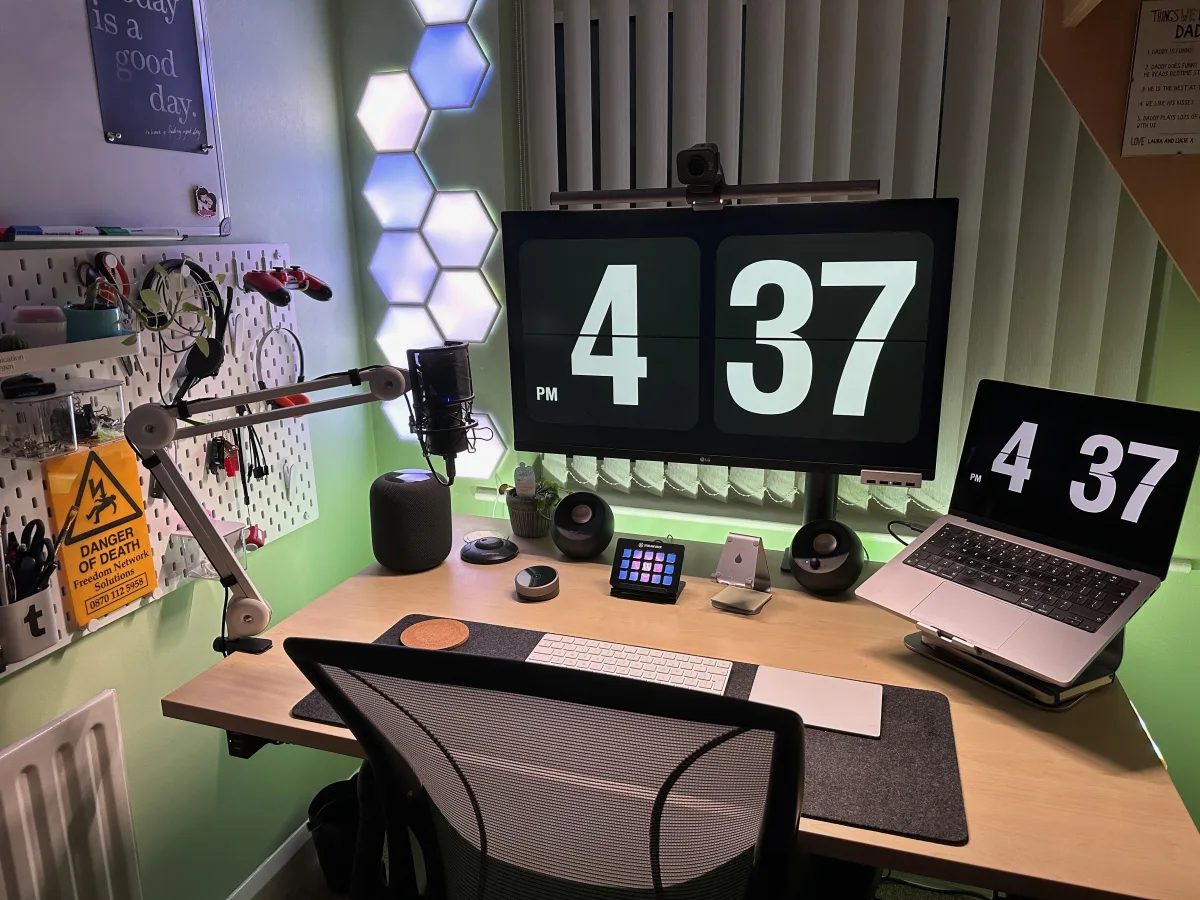
At most companies you’ll be expected to work from home with a small screen laptop and nothing else. Now, working from a laptop on your coffee table is fine for short bursts of time, but isn’t a healthy working environment longer term.
So, consideration has to be made for a home office setup – an external monitor, keyboard and mouse, and even a desk and chair.
And, just how old is the equipment that you’re using? Good quality equipment is just as important for home workers as it is for those in the office.
Document… everything!
Remote working brings discipline in a number of ways, many of which can be beneficial to the company at large – documentation is the prime example.
For effective communication, you can’t just lean over and ask somebody sat next to you. And if you’re working flexibly, the person you want may not be around. So timely and accurate documentation is critical. Yet, it should be in an office anyway but is often forgotten. How many times have you spent trying to solve something when it turns out somebody has already done it in the past? How easy is it for new joiners to your company to learn the requirements of their job?
The requirement of remote working ensures that documentation becomes a priority.
And, for much the same reason, it becomes a lot harder to have a “do this thing now” mentality, as the chances are the people and resources you need won’t be available. It’s easy in an office to walk up to someone and distract them from what they’re doing to make them do something there and then, which could have waited.
As mentioned in a recent Economist article, “good writing demands clear thinking and discipline”, which is why remote companies favour wordsmiths.
Nothing in this article is revolutionary. Many of the practices and techniques for managing home workers shouldn’t be difficult for a business to implement, yet are likely to lead to happy and more content staff.
If you want further advice, here’s a talk I gave on how to make remote working, well, work earlier this year: