

I genuinely love my Tsohost hosting but my antiquated cPanel hosting needs a 2015 makeover. So, over the coming hours/days I’m migrating (still at Tsohost, I hasten to add) to their Cloud platform. Goodness awaits and I’m looking forward to getting to know it further. Meantime, expect some downtime, which can’t be helped, as the sites are migrated.
Category: Development
-
Searching for the Ideal WordPress Theme
I recently came across a rather cracking WordPress theme on a user’s site – concentrating on the blog aspect of the site and with lots of parallax scrolling and effects it was really effective. It was a commercial theme, though, but got me thinking about this site. The theme I was using, Hueman, apart from being extremely popular, just wasn’t very exciting. So, I set off to find a new one.
First, I needed to decide what I wanted. Key was an emphasis on blogging and not being a magazine format. A single sidebar would be nice, but an option to hide it would make the site look neater. However, I still wanted an emphasis on promotion, so a featured post slider would be beneficial, but not critical1. The site had to be responsive too, and an easy way to add advertising.
Additional things that would be “nice to have” was aside post types, sticky posts, infinite scroll, breadcrumbs, selectable fonts and social sharing integration.
I looked. Boy, did I look2. But nothing came close. The problem? Blog themes do not have promotional features – they’re expected of magazine themes. So, although there are plenty of professional bloggers, no-one seems to think that they want to show off their top articles or integrate advertising in the end result.
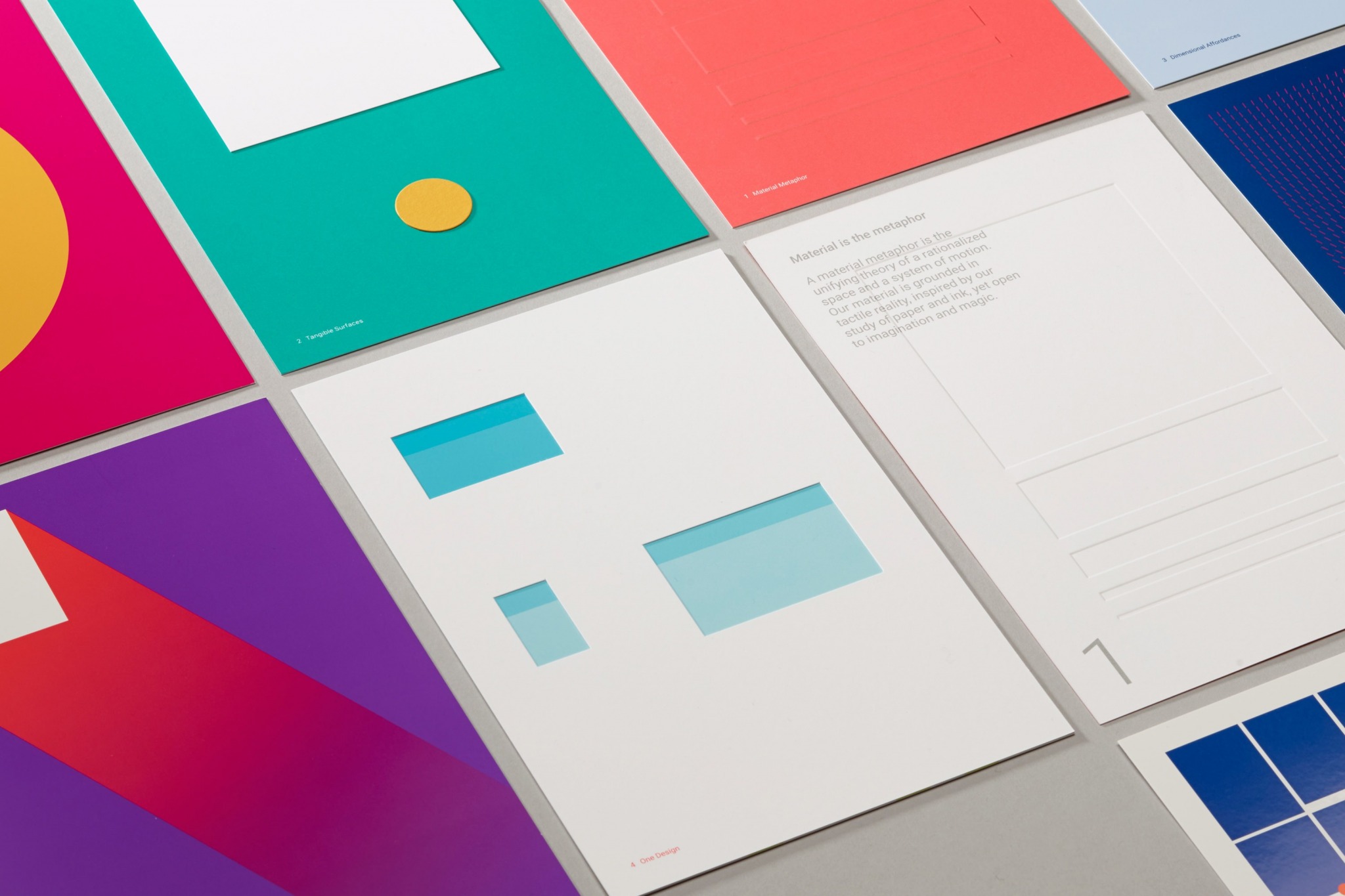
Then I had a realisation. There was one theme that came pretty close – Hueman, the one I was already using. Shame it was a magazine theme, but it was also configurable, so I set about seeing what I could do. I reduced it to one sidebar, lopped off some colourful headers for the sidebar and generally tweaked it. A new icon was added and I re-thought the colours – I’m using both colours and font from Google’s Material Design. I also realised the theme was out-of-date, which I sorted and this added new features too. The end result is rather good – it’s very different to how it was and I suspect many would struggle to realise it was the Hueman theme.
But, all this made me think about the themes that are out there. If I ever get into my own theme design I now know what I’d create – a creative blogging theme which also includes featured posts and advertising. Until then, I’ll continue looking.
- I did play with various plugins that add this feature but implementing one on an existing site, particularly a responsive site, proved to be problematic ↩︎
- although I mainly stayed with free themes. Tip – I often ruled out those that had premium versions of their theme, as I found the decent features were kept for this. Truly free themes were usually the only ones with a decent number of quality features ↩︎
-

Picking WordPress Plugins Back Up
After some time away from my plugins, I’ve returned back to them. Re-assigning them to myself and reviewing the support forums, I’ve brought myself up-to-date with any issues. I think my Currency Converter plugin needs most attention, but otherwise they’re fairing well.
There are some that are a priority, I’ll admit. Overnight I’ve had WordPress remove some of my old, abandoned plugins1 and I’ll be reviewing those remaining – that, at least, allows me to concentrate on the important ones.
I was using MantisBT for my bug and feature tracking but found that quite un-user-friendly, so Bug Tracker. I haven’t quite moved over all the plugins yet to FlySpray, just the most important ones – the rest will happen in due course. I’d ideally like users to Bug Tracker : Register too and add their own issues, as well as comment on existing ones (you can also vote on features – so if you want to get one prioritised, you know how to do it!).
My plan next is to review each and push out a minor update, fixing any bugs. Feature enhancements will come later.
- where other plugins provide better functionality ↩︎
-

Embedding Videos in WordPress
It’s been a number of years since I created my YouTube Embed WordPress plugin. It’s been extremely popular and I’ve learnt a huge amount from it but now my attention is now turning to the future.
For a while I’ve been thinking about creating a new plugin that will embed YouTube videos. And Facebook videos. And Vimeo, Dailymotion and Hulu. And, indeed, any that you care to name. Basically, offering the best features of YouTube Embed but for all the video embeds you can think of. It would cast off some the features that are more for the minority of users and concentrate on what people want – lots of control with multiple profiles.
So, with further details below, I’d like to know what you think! Please leave any comments, suggestions, whatever in the comments and they’ll be greatly appreciated!
Development has started – follow the progress here!
Key Features
- Embed videos with a single shortcode, which can be modified by the user. This will allow it to work alongside existing plugins, including the built in WordPress oEmbed method.
- As with YouTube Embed you can set up default profiles – you can have one for all video embeds or separate ones for different embed types (e.g. one for YouTube, one for Facebook and one for anything else).
- Selectable code validity – depending on your theme you can set it to be valid HTML 5, XHTML, etc. Or just select a more flexible option that may not validate but gives maximum compatibility.
- The plugin will fit in with the default look and feel of WordPress, looking like something that came with it by default. No ads, no banners and no odd colours.
- Compatible with a number of existing plugins to add additional functionality – for example, Shortcake to add a visual replacement for the shortcode or Video SEO for WordPress SEO.
- Automatic generation of video metadata for SEO.
Why not oEmbed?
WordPress already uses oEmbed to display videos. Simply place the video URL on the page and it will show up. That’s great, but oEmbed can only pass on parameters specified in the URL – many video functions (particularly YouTube) can’t be controlled this way. Indeed, it would means that we couldn’t use profiles and each video would have to include its own specific parameters. So oEmbed is a nice, simple solution but not particularly flexible. By using a shortcode method we can pass on any required information and, of course, use profiles to control default behaviour.
Premium Options
As I said before, this plugin would jettison a lot of the minority features. But that doesn’t mean they’re gone for good. My plan, long term, is to add a feature to be able to add premium add-ons. These would include lesser video sites as well as features. Prices would be low to make them more attractive.
-

Amazing tips for embedding YouTube videos
If you wish to embed a YouTube video on your website then the YouTube site itself will give you the code you need. Underneath the video click on “Share” and then “Embed”. You can choose the video size and whether recommended videos should appear at the end and whether to choose a special privacy mode. In the case of the latter option this uses a special URL that doesn’t store cookies.
But there’s a lot more you can do than just this.