Category: Life

Random thoughts on life

  • How to Max Out Your Mobile Internet Plan

    Often hiding behind the incorrect usage of the word “Unlimited”, all the major UK networks are not unlimited.

    After O2 announced a 500MB cap this week, all the networks now have a limit. So, after some digging, here are those data limits (jn all cases they related to monthly contract plans)…

    [box]3 – 500MB per month

    O2 – (From) 500MB per month

    Orange – 750MB per month

    T-Mobile – 1GB per month (3GB per month for Android phones)

    Virgin Mobile- 1GB per month

    Vodafone – (From) 500MB per month[/box]

    Most of the networks’ websites are a bit behind on the times and, when showing plan data, generally don’t show what internet allowance there is – Vodafone, however, shows this quite clearly. Indeed, I believe that Vodafone is the only network that doesn’t refer to their data usage as “unlimited”.

  • The Bluffers Guide to apt-X

    My recent review of the Creative ZiiSound D5 mentioned its apt-X credentials. However, I had no idea what apt-X was, so I’ve taken a look into it.
    To manage the transfer of stereo audio, the Bluetooth Special Interest Group (SIG) ratified a system known as A2DP (Advanced Audio Distribution Profile). Now, Bluetooth stipulates the maximum available bandwidth for A2DP is 768kbps. So for high quality stereo music, it is necessary to use some form of audio coding to reduce the required data rates. This is where apt-X comes in.

    Originally developed for use in the professional audio and broadcasting sectors, apt-X is a real-time digital audio data reduction system that compresses audio by a factor of 4:1 with no perceptible audible degradation and with negligible delay.

    apt-X, though, is not just about compressing audio for Bluetooth purposes – it’s used for all sorts of hardware and software implementations, with different versions available for different tasks. For example, there is a lossless (where compression may occur but no data is lost) version of apt-X, as well as a hybrid-version which is “near lossless” and apt-X Live for digital wireless microphones.

    The apt-X codec is handled by its parent company APTX who licence its use.

    I have to say, the more I’ve read about apt-X, the more impressed I’ve been. It’s very easy with a new product to be blinded with lots of trademarked names and abbreviations without knowing exactly what they do and how important they are. From what I’ve read, certainly when it comes to Bluetooth audio, apt-X appears to be a must have.

  • The iPhone 4

    The iPhone 4

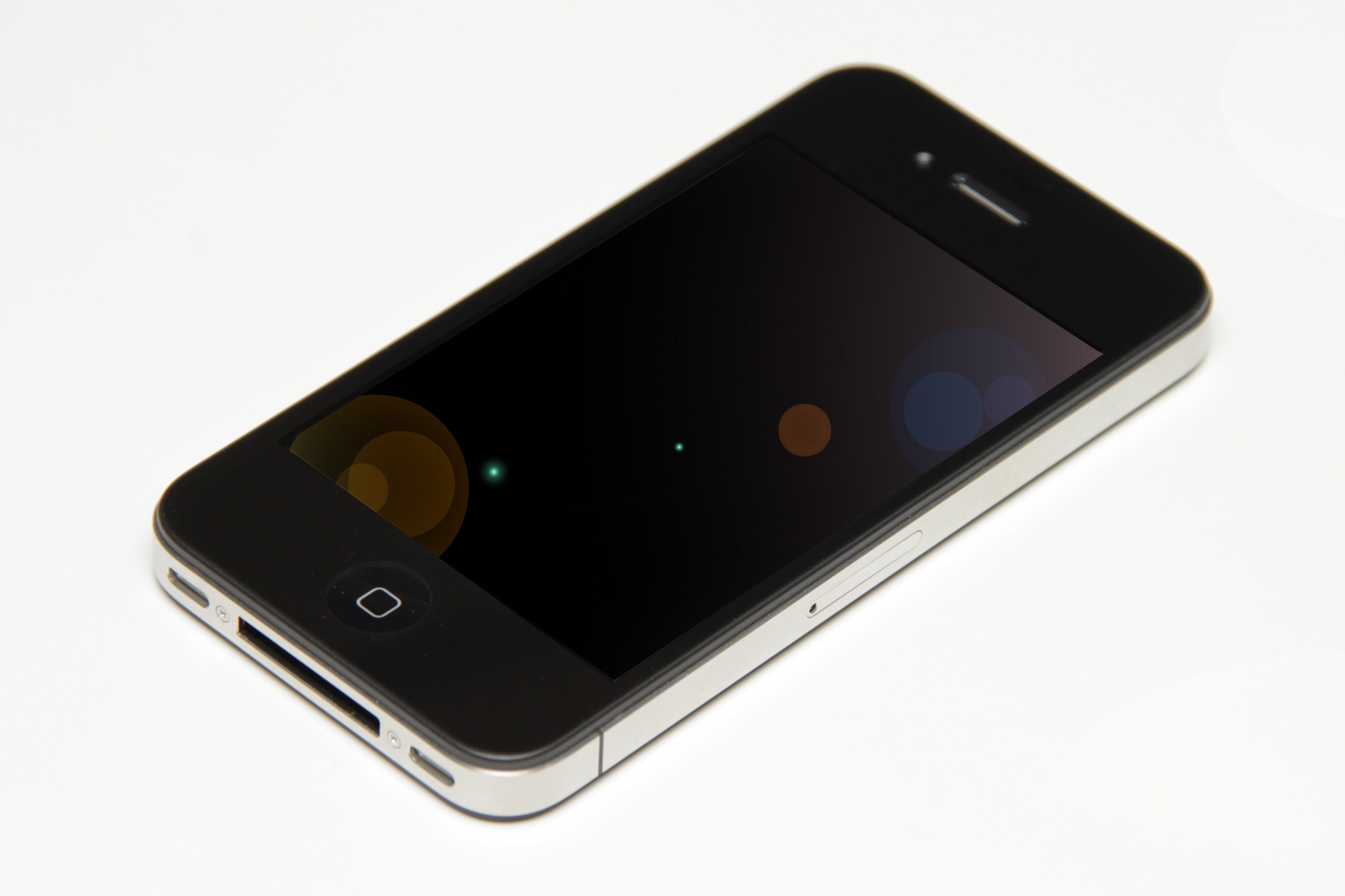
    I wasn’t going to blog about the iPhone announcement as, well, it didn’t really interest me. About the only feature that I think is ahead of other manufacturers is the high resolution screen – not much higher than the latest HTCs, though, and not AMOLED, but none-the-less impressive.

    (more…)

  • How to Screen Capture on an Android Phone

    Normally, screen capture is only available if you root your phone because of the security restrictions that Android otherwise imposes.

    However, using the Android SDK, there is an alternative method.
    1. On your phone go to Settings -> Applications -> Development and then switch on USB Debugging
    2. Download the Android-SDK pack to your computer and unzip it
    3. Connect your phone to your computer using USB.
    4. Open the folder in the SDK pack called tools.
    5. Double click ddms.
    6. After a brief pause a window should appear named “Dalvik Debug Monitor”.
    7. The window is divided into 3 distinct sections – in the top left hand section, under the heading “Name” your phone should be listed. Highlight it.
    8. Press CTRL and S to launch the screen capture screen.  Buttons on screen allow you to refresh the image, save, etc. This screen (once you press refresh) should show the current contents of your Android screen.

    Thanks to NerdGirl for the info, which I’ve updated (for example, because I found you didn’t have to activate the sync option for it to work).

  • Google Android Traction Statistics

    Google Android Traction Statistics

    Here is a visual representation of the latest information regarding Android’s “traction” in the 18 months since it debuted.

    The charts are from the AndroidTapp.com website and the data was provided by Google Inc. at Google I/O 2010.

    Google Android Traction Statistics by AndroidTapp.com