
My daughter has a Lenovo Z580 laptop running Windows 8.1. For a number of weeks she’s struggled with some WiFi connections. Sometimes she gets DNS issues, otherwise it’s Default Gateway Not Available. However, after looking at anything and everything I finally found that the issue was with the driver. Or, more precisely, the Broadcom 802.11n driver for Windows 8.1.
Category: How To
My “How To” guides on various things
-

How to install 2 SSDs as RAID in Windows
When I built my desktop PC last year, I installed the OS on a 120GB SSD and then created a RAID for 2 x 1TB mechanical drives as a secondary drive for photos, music, videos, etc.
All was well but my OS and program installations quickly used up that SSD. I made some temporary changes but they weren’t enough. The answer was to buy a bigger SSD or, possibly, extend the current one. And identical drive, also of 120GB capacity, was now just £55 so adding in another was a relatively cheap option. But how could it be done? There are two potential options under RAID – RAID 0 (striping) and JBOD. Sadly my motherboard doesn’t support JBOD so RAID 0 was my only remaining choice.
-

How to remove the drive from a Seagate Expansion Portable
The Seagate Expansion Portable is an excellent value-for-money external storage device but it also contains some rather tasty 2.5″ drives that, if purchased separately, actually cost more. As a result, many people buy the Expansion to get to their contents. I’ve done just that and thought I’d document the process.
(more…) -
How to restrict Android data usage on the 3 Network
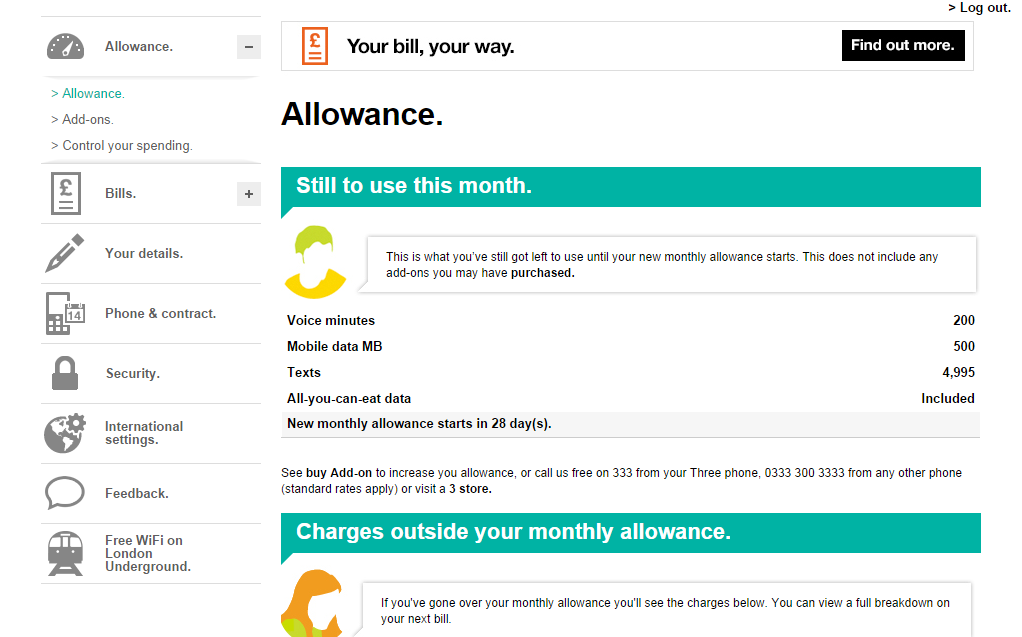
You have a 3 contract and you have an Android phone – assuming you’re on a finite data contract, you probably want to make sure you don’t use too much data. Particularly, as unlike with PAYG, if you use too much data you get charged rather than simply “cut off”.
The first thing to do is to make sure of Android’s built in data capping. Head to Settings -> Data Usage. Ensure “Set mobile data limit” is ticked. Next you must enter your “Data usage cycle” – this is the date from which your contract renews each month (i.e. when your data gets topped back up again). Not sure when this is – you can view this via the 3 app or website (see below).
-
How to change the Android Runtime to Improve App Speed & Battery Life
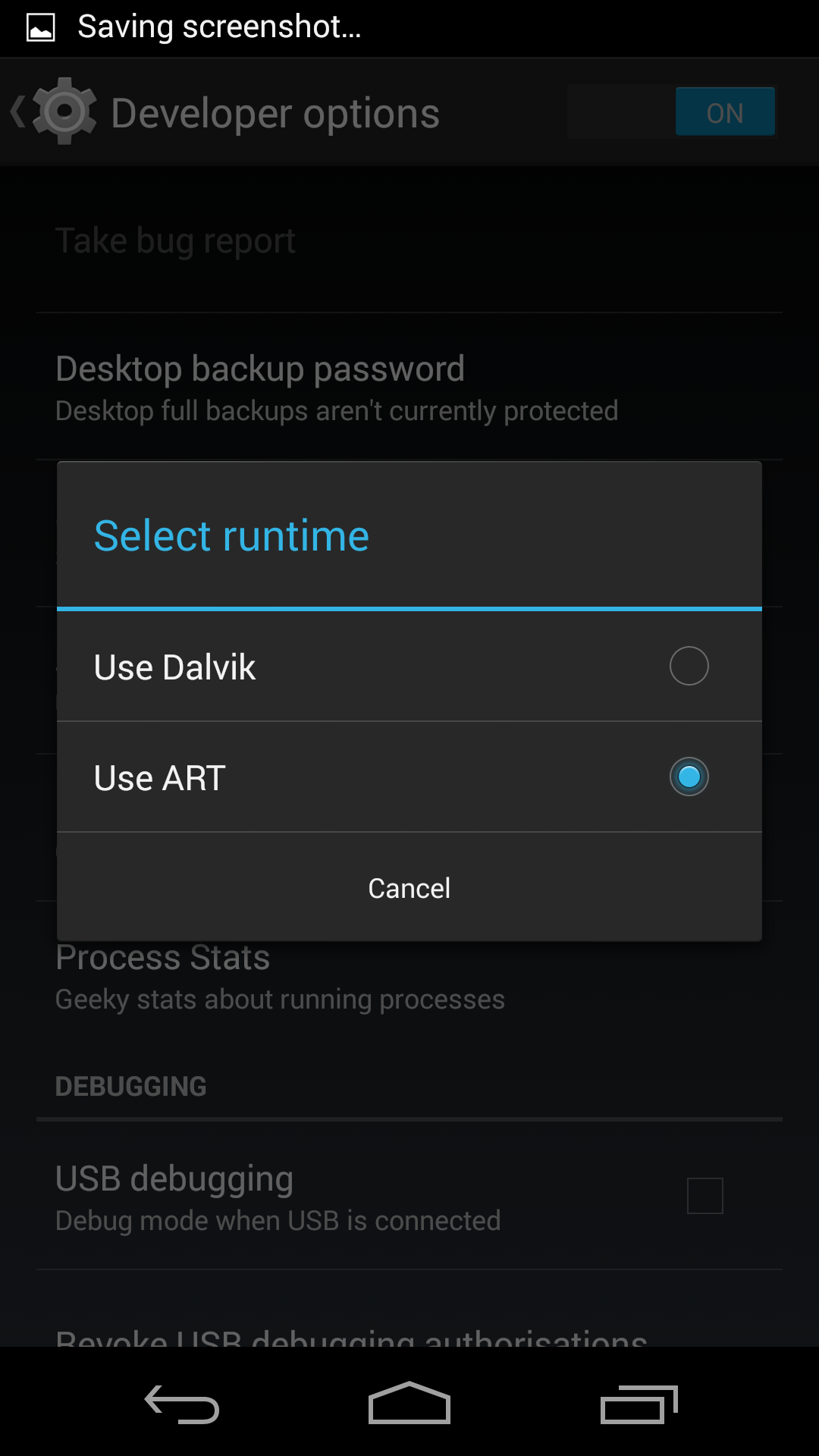
What if I told you there’s a change you can make to your Android phone that will increase app speed and improve battery life but doesn’t involve turning anything off?
First of all, we need to understand how programs work. Programs, or apps, are written in languages that are ideal for humans to understand. The processor in your computer, phone or tablet, though, needs a feed of 1’s and 0′. In-between these two stands the compiler – it converts the programmer written code into something that processor understands.