

The Seagate Expansion Portable is an excellent value-for-money external storage device but it also contains some rather tasty 2.5″ drives that, if purchased separately, actually cost more. As a result, many people buy the Expansion to get to their contents. I’ve done just that and thought I’d document the process.
(more…)Category: How To
My “How To” guides on various things
-
How to restrict Android data usage on the 3 Network
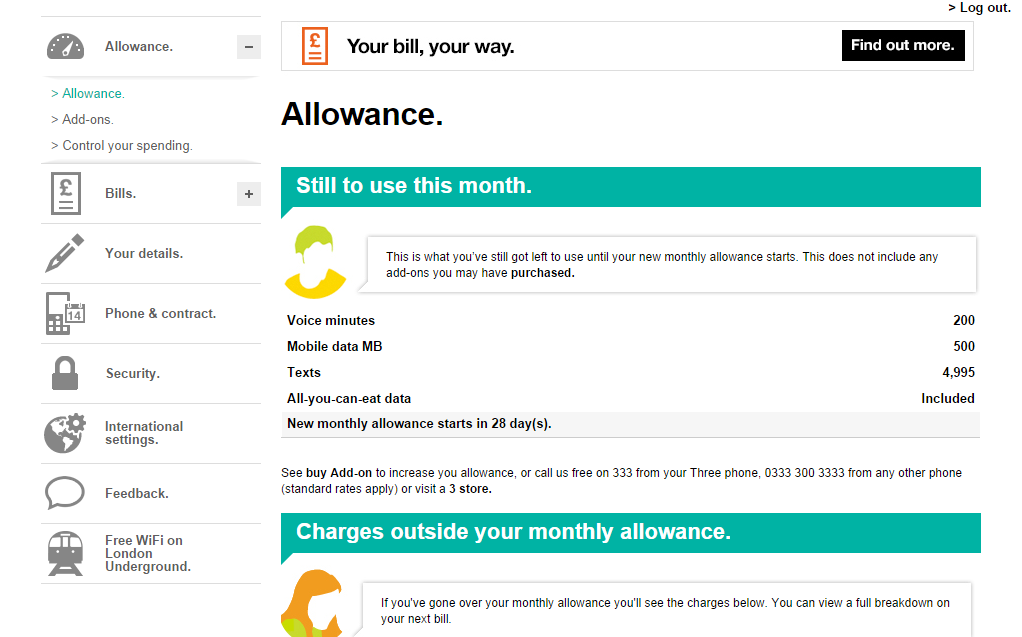
You have a 3 contract and you have an Android phone – assuming you’re on a finite data contract, you probably want to make sure you don’t use too much data. Particularly, as unlike with PAYG, if you use too much data you get charged rather than simply “cut off”.
The first thing to do is to make sure of Android’s built in data capping. Head to Settings -> Data Usage. Ensure “Set mobile data limit” is ticked. Next you must enter your “Data usage cycle” – this is the date from which your contract renews each month (i.e. when your data gets topped back up again). Not sure when this is – you can view this via the 3 app or website (see below).
-
How to change the Android Runtime to Improve App Speed & Battery Life
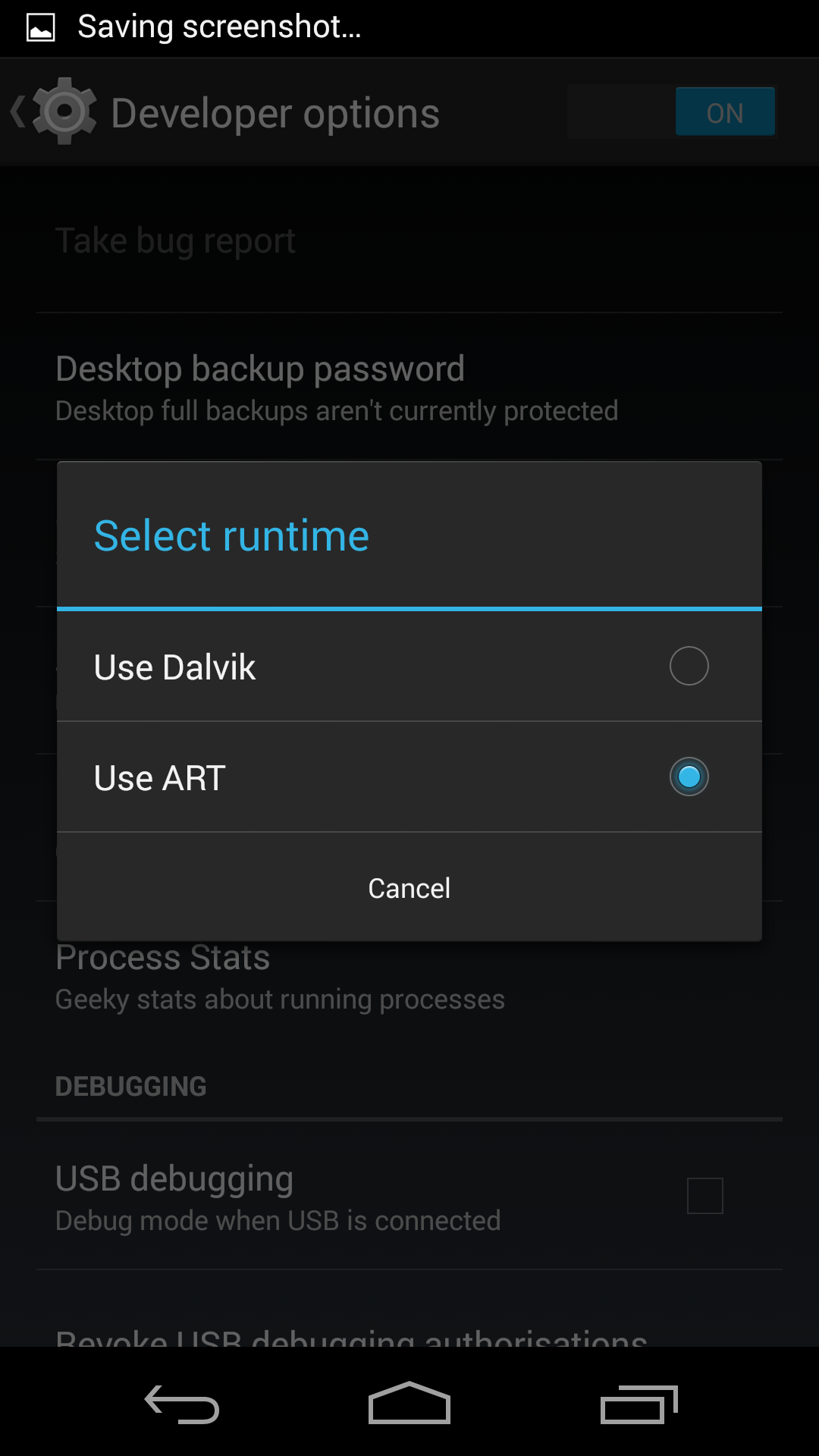
What if I told you there’s a change you can make to your Android phone that will increase app speed and improve battery life but doesn’t involve turning anything off?
First of all, we need to understand how programs work. Programs, or apps, are written in languages that are ideal for humans to understand. The processor in your computer, phone or tablet, though, needs a feed of 1’s and 0′. In-between these two stands the compiler – it converts the programmer written code into something that processor understands.
-

How To Use the Recording Function on the PS4
Since release there has been some confusion over use of the automatic game recording function built into the PlayStation 4.
According to the PlayStation 4 manual..
Video of the most recent 15 minutes of gameplay is continuously and automatically recorded.
This would make most people think that when they press the Share button the last minutes of gameplay footage will be there. What is true is that the PlayStation is constantly recording the last 15 minutes of gameplay BUT it’s not automatically saved. The method appears to have changed since the consoles release but, as of now, here’s what you need to do.
-
How to fix game data not uploading on PS4
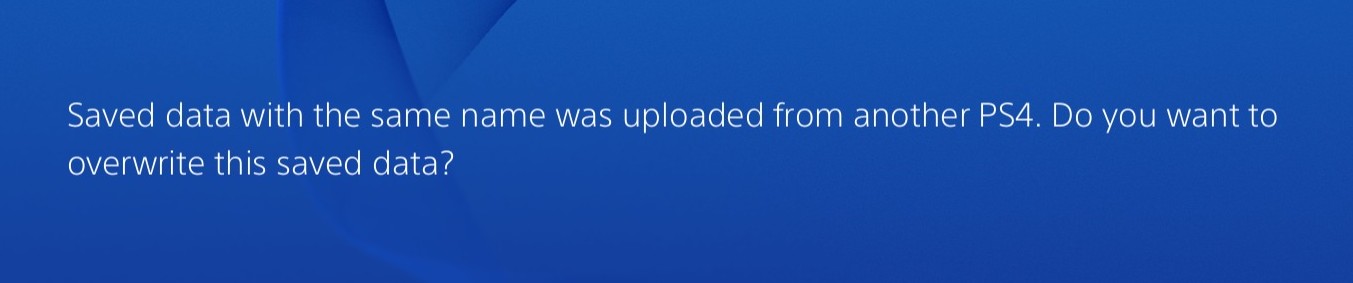
Recently I’ve been turning on my PS4 to be greeted with an error saying that my Battlefield 4 game data has not been successfully uploaded.

Heading into the Notifications you can force it to try again and it always works. But it also gives the reason as…

Really? Sadly, the next time I turn my PS4 back on after a game of BF4 the same error occurs. Thankfully the fix is simple.
(more…)

